G Splinter – spectral transient and resonance processor. VST3 for Windows, free.

G Splinter

Only what sticks out, band by band. G Splinter splits your signal into narrow frequency bands and steps in only where something jumps out: a mouth click, a pick attack, a harsh consonant, a boxy room. Everything else stays as it is.

Windows (64-bit), any DAW with VST3 support · no macOS/Linux

Cut. Boost. Tame.

Three modes on one spectral engine.

Cut

Turns down transients that jump above their recent level in their band: mouth clicks, hard consonants, pick noise, snare and percussion spikes.

Boost

Lifts the same transients instead, for more attack and snap on drums, kick and bass.

Tame

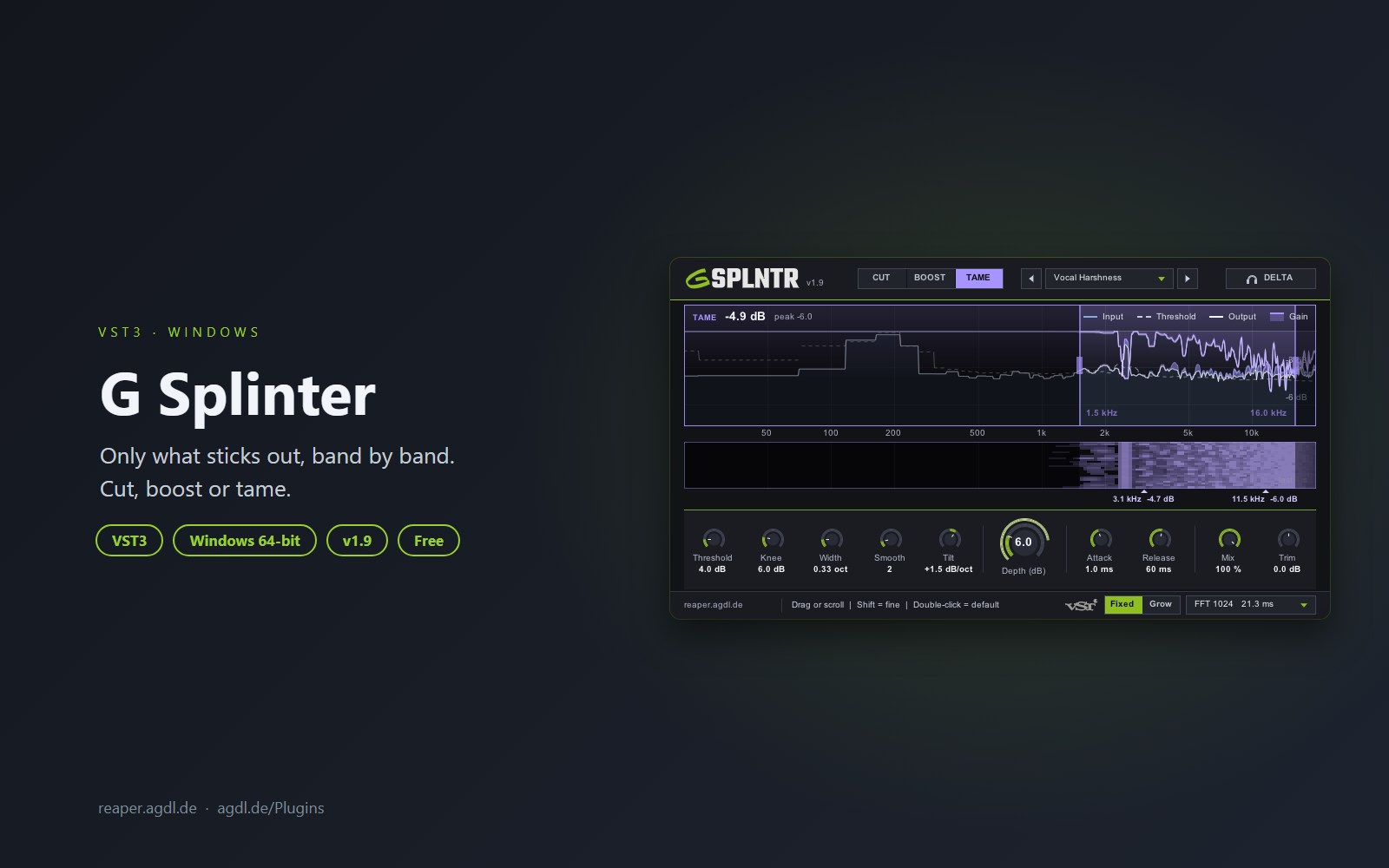
Compares every band with its neighbours and pulls down resonances that poke out: harshness, whistling, boxy room tones.

Delta

One click and you hear only what is removed or added. Set it up without guessing.

Live view

Input, threshold, output and gain curve, plus a strip showing the last 4 seconds and the three busiest frequencies.

Range, presets, FFT

Two handles set the frequency range, tilt shifts sensitivity toward highs or lows. 10 presets, FFT 512 to 2048, latency compensated by your DAW.

Install in a minute

  1. Installer: run G-Splinter_v1.9_Setup.exe. The setup is not signed, so Windows may show a SmartScreen warning: More info › Run anyway.
  2. VST3 by hand: copy the folder G-Splinter.vst3 to C:\Program Files\Common Files\VST3 and let your DAW rescan.

Installer and ZIP include install notes and a manual in English and German.

Changelog

1.9 November 2026

  • First public release: Cut, Boost and Tame modes, live spectrum with activity history, Delta, 10 factory presets.
  • VST3 for Windows (64-bit): installer or ZIP for manual install.